How to Spot AI-Written Scam Emails | Ocala Small Business IT
Scam Emails Don't Have Typos Anymore. Here's How Your Office Can Still Catch Them.
The advice most of us grew up with for spotting a fake email was simple: look for the bad spelling and the clumsy grammar. If it read like it was written by someone who didn’t speak English well, it was probably a scam. That worked for a long time.
It doesn’t work anymore. Scammers write their emails with AI now, and AI writes clean English. The message that lands in your office manager’s inbox reads like it came from a real vendor, a real client, or a real bank, and sometimes it’s written to sound like someone you already deal with.
I run TEK Cloud Solutions here in the Ocala area, and I work with law offices, medical practices, insurance agencies, and CPA firms that handle other people’s money and records every day. This is the one that worries me most for them, because the old habit gives people a false sense of security. So let’s replace it with something that still works.
Why the “look for typos” rule stopped working
The spelling tell worked because a lot of scammers were writing in a second language, and it showed. AI removed that problem for them. The UK’s National Cyber Security Centre has said generative AI now produces convincing phishing without the translation and grammar mistakes that used to give it away. The FBI has issued the same warning: criminals use AI to strip out the errors that used to mark a message as fake.
So if your team has been trained to look at how an email is written, they’re watching for a warning sign that isn’t there.
What makes these emails so convincing now
Three things changed at once.
The writing is clean. A machine writes it in seconds, in whatever tone the attacker asks for. Formal, casual, friendly, urgent. It reads like a normal business email because, technically, it is one.
It’s personal. Your firm’s website, your staff’s LinkedIn profiles, the Florida Bar directory, a Google Business listing. All of that is public, and it can be fed into an AI tool to produce a message with the right names, the right job titles, and a believable reason to be writing. A CPA office in Marion County can get an email that references a real client and a real filing deadline.
There’s a lot more of it. When each message takes seconds instead of minutes, attackers send far more. The FBI’s Internet Crime Complaint Center added an AI section to its annual report for the first time, tied to more than 22,000 complaints and close to $893 million in reported losses.
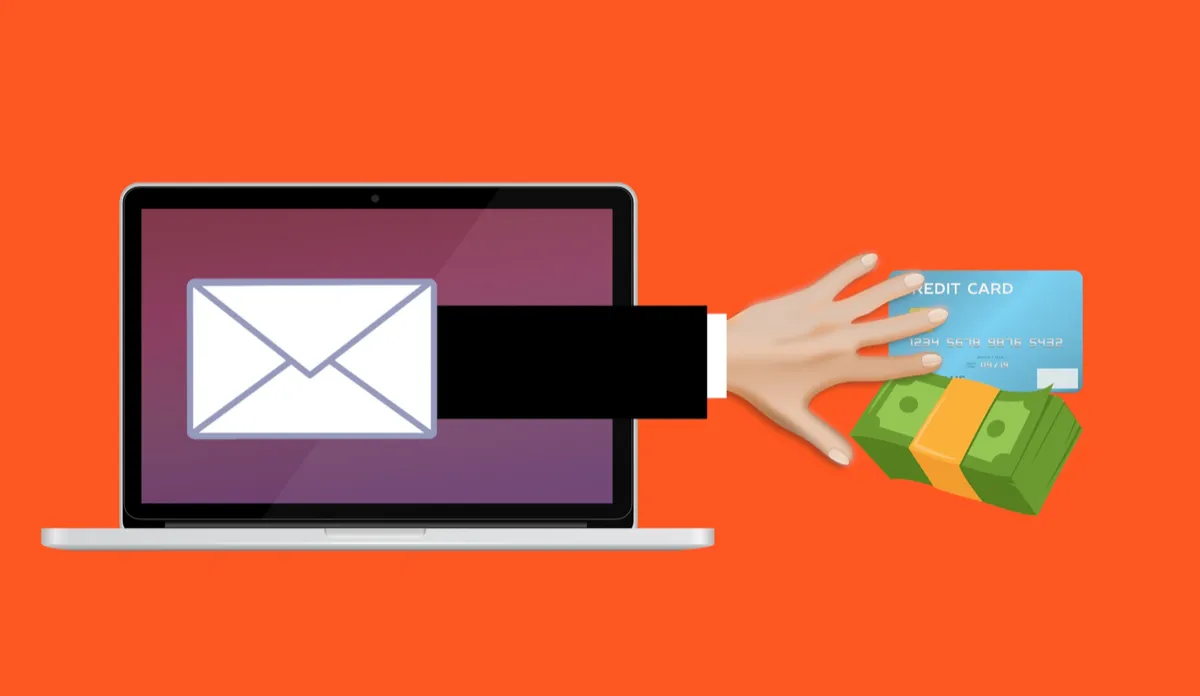
Put those together and the modern scam email isn’t the obvious “Dear customer, your account is suspended” message. It’s a note to your bookkeeper that looks like it came from a supplier you actually use, mentions a real project, and asks to update the bank details for the next payment. The only thing wrong with it is that the supplier never sent it.
Your spam filter won’t catch all of them
I install email security for clients (Proofpoint, in our case), and I’ll be the first to tell you it catches a lot. Keep it on. But a well-written, personalized email that asks a normal-sounding question, with no obvious bad link or attachment, doesn’t always look dangerous to a filter. That’s exactly the kind of email AI is good at producing. The filter is your first line. A person who knows what to check is the last one.
It isn’t just email
The same AI that writes clean emails can clone a voice from a short audio clip. The FBI has warned about voicemails that sound like a boss or a family member asking for an urgent payment. [If you have a real example from a client, one sentence here will do more than any statistic. If not, delete this bracket.] The defense is the same as it is for email: if a call or voicemail asks for money or a login, hang up and call the person back on a number you already have.
The warning signs that still work
If you can’t judge an email by how it’s written, judge it by what it’s asking you to do. AI hasn’t changed that part at all. Slow down when a message:
•Asks for money, gift cards, or a payment to a new account
•Asks you to change the bank details for an invoice, a vendor, or a client refund
•Asks for a password, a verification code, or personal or patient information
•Pushes a deadline, a threat, or a “do this right now”
•Arrives with a link or attachment you weren’t expecting
•Shows a display name that looks right while the actual email address behind it doesn’t match
Every one of those is about the request, not the writing. That’s the rule to teach your staff: when a message is about money, logins, or how you pay someone, stop and verify before you act.
What I recommend for offices in Ocala and Marion County
Verify money and login requests through a different channel. If an email asks you to pay a new account or change a vendor’s banking info, call the person on a number you already have on file. Don’t reply to the email and don’t use a phone number the email gives you.
Make one hard rule for payment changes. Every change to bank details gets confirmed by phone, even when it’s urgent. Especially when it’s urgent. Law firms handling trust accounts and closings should treat this as non-negotiable.
Stop telling staff to look for bad spelling. Retrain them to look at the request. It takes five minutes at a staff meeting.
Turn on multi-factor authentication for everyone, and use phishing-resistant options where you can, so a stolen password isn’t enough on its own.
Make reporting easy and judgment-free. Nobody should feel silly for forwarding a suspicious email to check. The person who asks is the person who saves you.
Repeat the reminder. A quick mention every month or two that “scam emails look perfect now” does more than a poster nobody reads.
Frequently asked questions
Can you still spot a phishing email by bad spelling and grammar?
Not reliably. Attackers use AI to write clean, correct emails, so a perfectly written message can still be a scam. Judge it by what it’s asking you to do.
What are the warning signs that still work?
The request itself: paying money, changing bank details, sharing a login or code, or being pressured to act immediately. Those don’t depend on how the email reads.
Will my spam filter stop AI-written phishing?
It will stop a lot of it, and you should keep it on. But a clean, personalized email with no obvious bad link can slip through. A trained person is the backstop.
What should my staff do if they aren’t sure about a message?
Slow down and check through a channel they trust, like calling a known number. Then report it, even if it turns out to be real.
Does this apply to small offices, or just big companies?
It applies more to small offices. A five-person law firm or medical practice is exactly the target, because the attacker knows there’s no security team watching.
Not sure your office would catch one of these? I offer a free IT Checkup for small businesses in Ocala and Marion County. I’ll look at your email security, MFA, and backups and tell you plainly where you stand. Email [email protected] or call (352) 329-9796.
Adapted with permission from The Technology Press.